$0.00

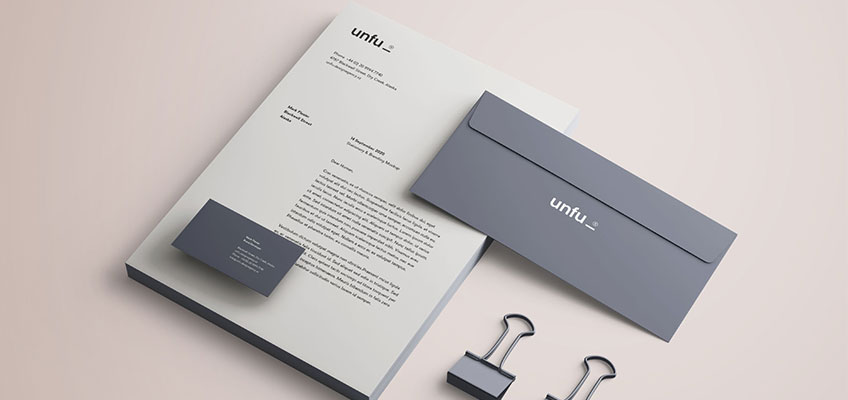
Getting your design file print-ready is one of the most important steps to ensure a smooth printing process and professional results. A properly prepared file saves time, reduces errors, and ensures your final product looks exactly as you envisioned. Here are some quick tips to help:

1. Use the Right File Format
Always export your final design in high-resolution PDF format. PDFs preserve fonts, images, and layouts, making them the most reliable for print.
2. Set Correct Bleed and Margins
Include at least 0.125″ (3mm) bleed around your design to avoid white edges after trimming. Keep all important text and logos within the safe zone (about 0.25″ from the edge).
3. Check Image Resolution
Images should be at least 300 DPI (dots per inch) for sharp, clear prints. Low-resolution images may look fine on screen but appear pixelated in print.
. Use CMYK Color Mode
Printers work with CMYK (Cyan, Magenta, Yellow, Black), not RGB. Convert your colors to CMYK before exporting to ensure accurate color reproduction.
5. Embed Fonts or Convert to Outlines
If your fonts aren’t embedded or outlined, they may be replaced during printing. To avoid unexpected results, outline your fonts or embed them in your PDF.
6. Double-Check Before Sending
Do a final review for spelling errors, alignment, and color consistency. A quick proofread and preflight check can save you costly reprints.
Following these steps will help ensure your file is print-ready and your project moves smoothly from design to finished product.